Privacy policy
Explains local storage, optional location, the data sent to AlAdhan during online timetable updates, on-device sensors, and the absence of accounts, advertising, and in-app analytics.
Read the policy OuglSoft
El Ougl Software SARL
OuglSoft
El Ougl Software SARL
 Daily worship companion
An Android app that brings Qur’an, adhkar, supplications, prayer times, Qibla, daily goals, and practical worship tools into one organized experience.
It keeps core content and personal progress on the device, works in Arabic, English, and French, and requires no account or advertising.
The home screen organizes today’s deeds, Qur’an, adhkar, supplications, prayer and Qibla tools, the dual calendar and night times, plus dedicated Ramadan, Friday, Eid, and Islamic knowledge sections.
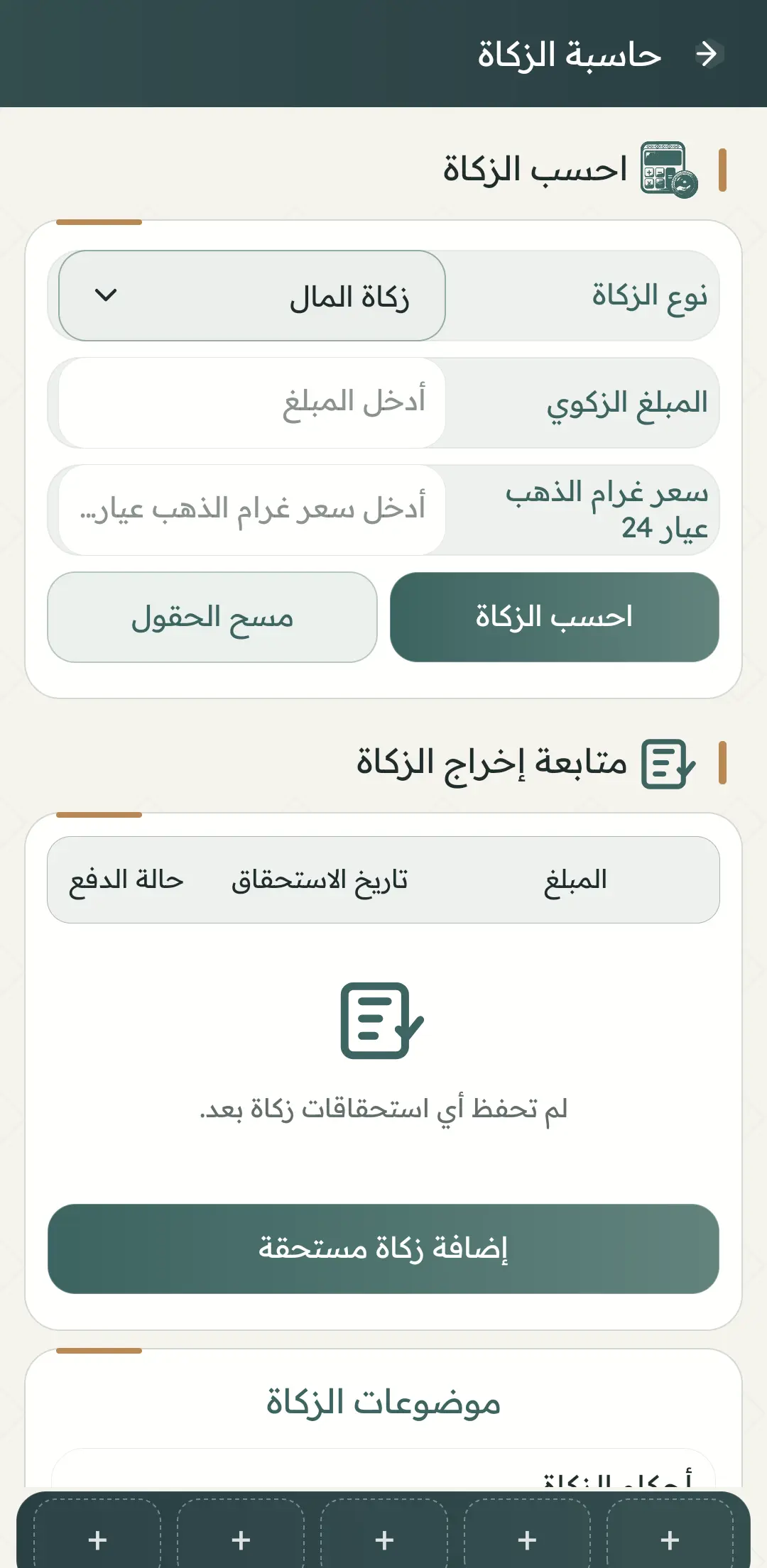
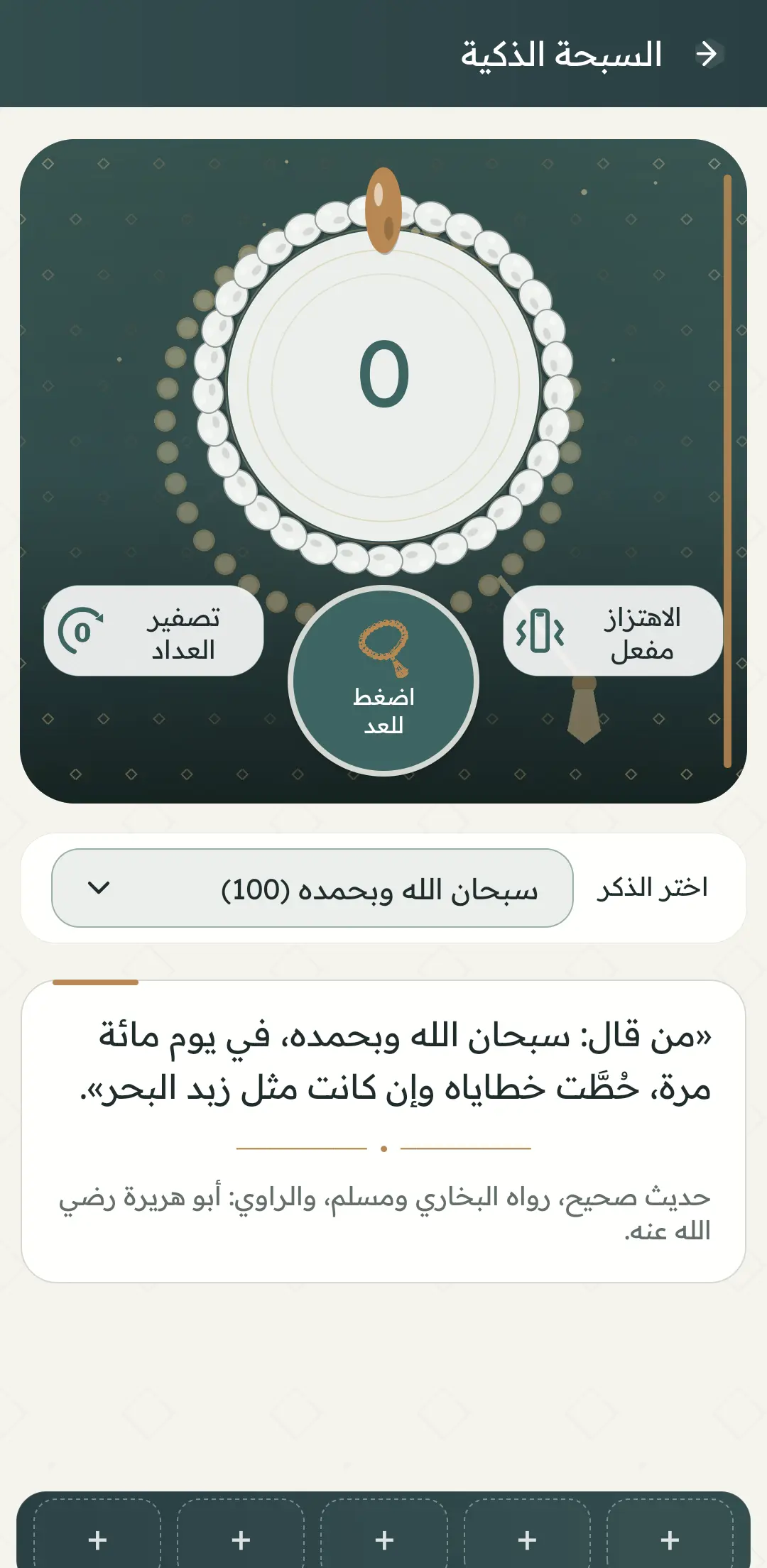
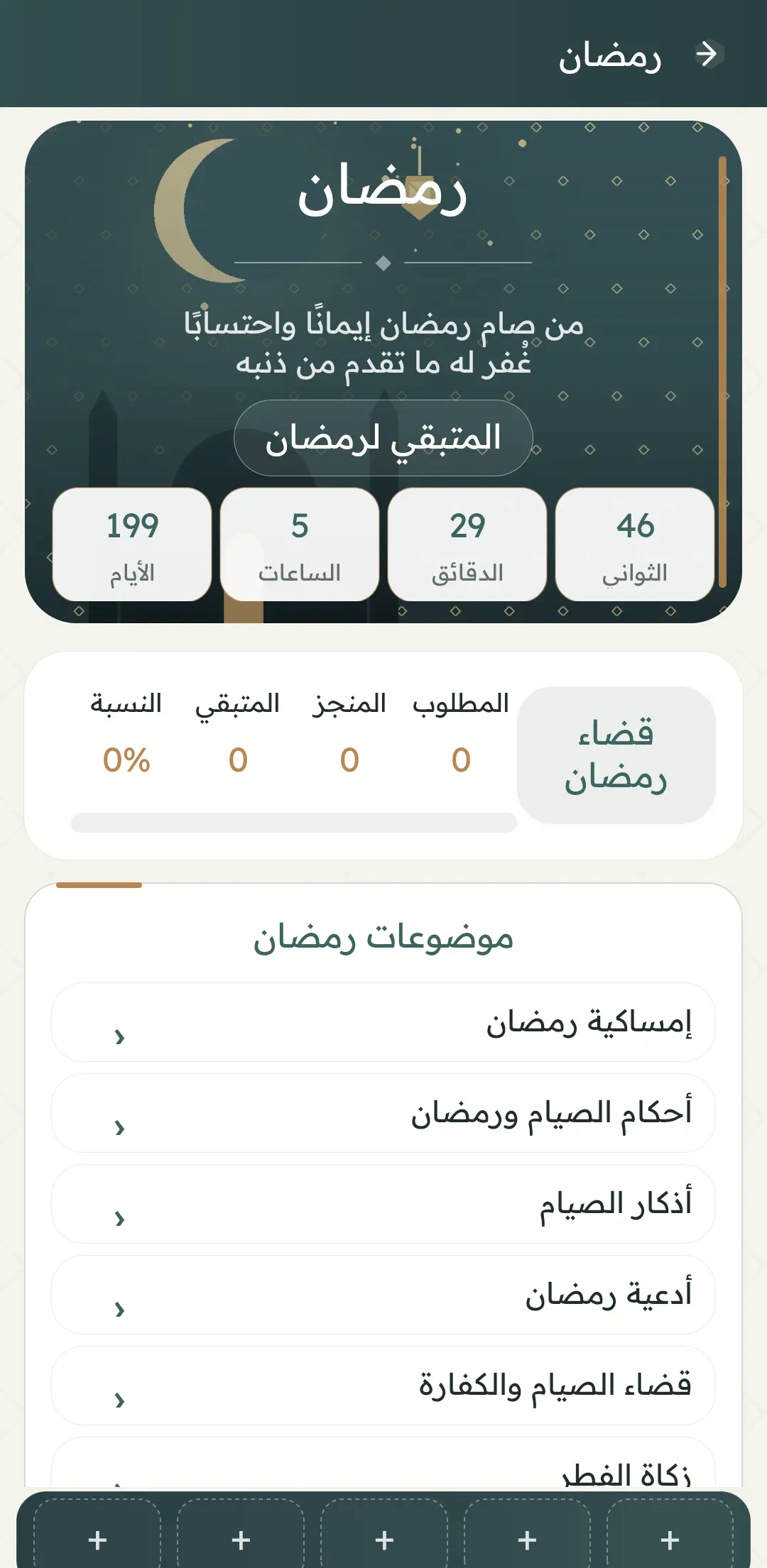
You can create a Qur’an wird and track a khatma, save favourites, use the smart tasbih, estimate zakat, track Ramadan makeup fasts, and create a personal worship plan. This progress remains local and is not cloud-synced.
Explains local storage, optional location, the data sent to AlAdhan during online timetable updates, on-device sensors, and the absence of accounts, advertising, and in-app analytics.
Read the policyExplains that devotional material is not a personal fatwa and that prayer times, Qibla, calendars, night and moon calculations, and zakat estimates are aids that may require verification.
Read the termsSix selected views cover the home screen and key tools without repetition.
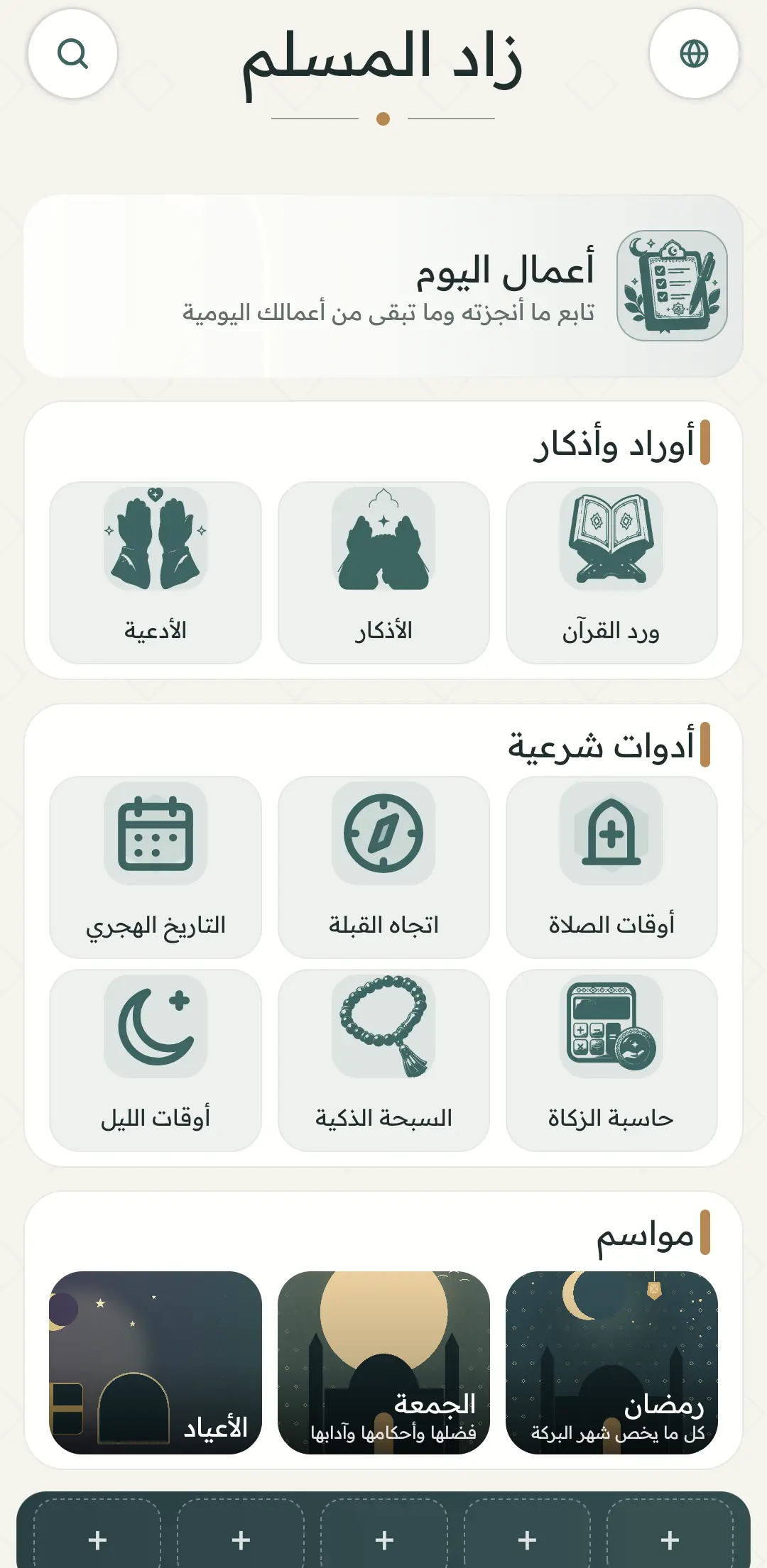
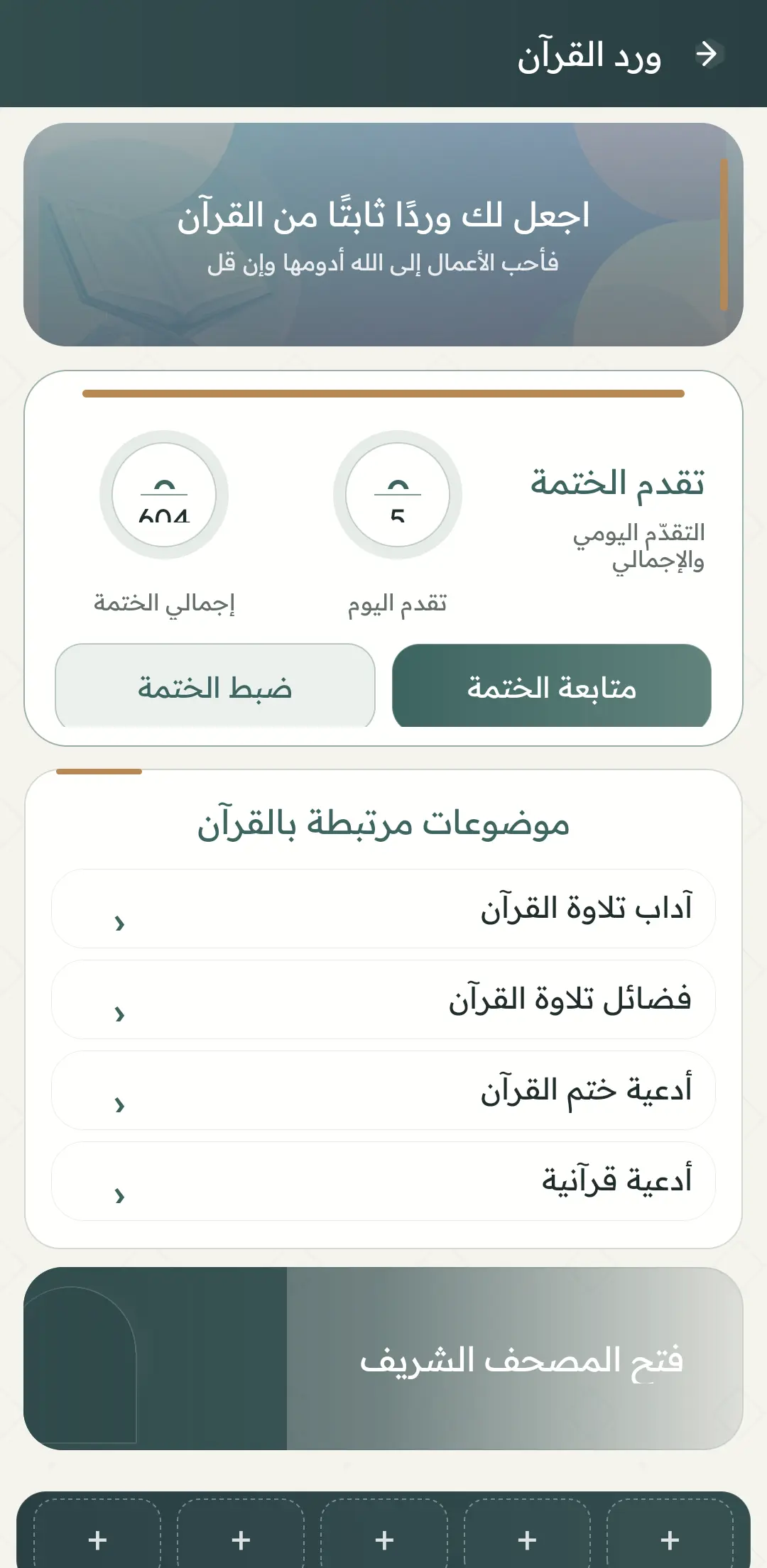
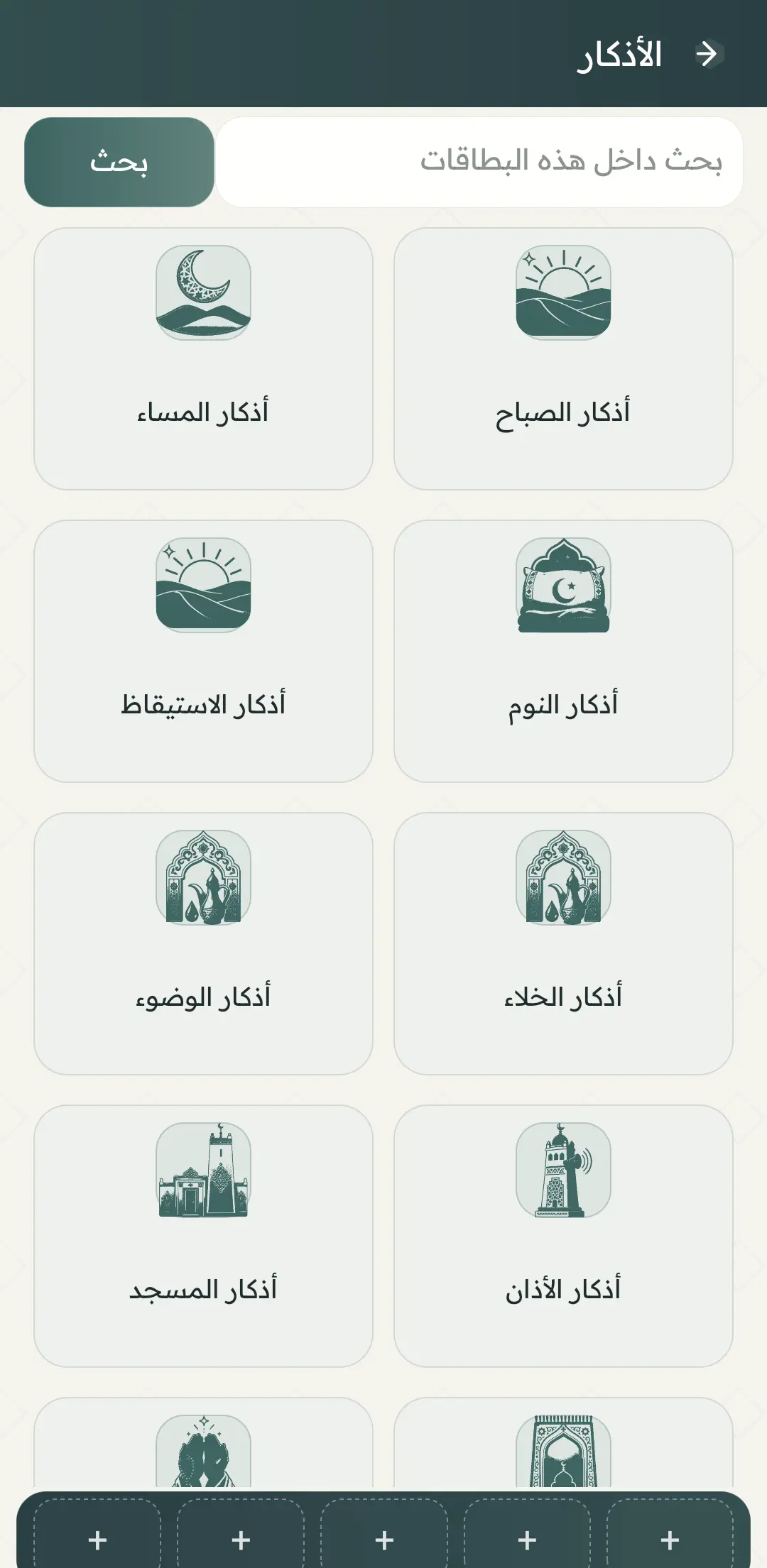
Results depend on the method, city, time zone, and device sensors. Compare with a trusted local source when appropriate.
Calculator results are indicative estimates, not a fatwa or accounting advice. Details vary by circumstances and qualified guidance.
Progress, favourites, and plans stay on the phone. Clearing app data or uninstalling may remove them permanently.
Download the APK only from the official OuglSoft site and verify the version before installing.
Qur’an, adhkar, prayer times, and daily worship tools in one app.